Become a Super Professional Video Editor & Motion Graphics Artist in Just 3 Months!

3 Months LIVE Masterclass

Enroll Today and Start Your Journey to Creative Mastery! New Batch Start's from 27th October 2024

Motion Graphics ~ Video Editing ~ Graphics Design ~ Documentory Style Edit ~ Youtube Videos~ Social Media

A New Learning Expereience

Are you ready to transform your creative skills into a high-demand career? Whether you’re an aspiring editor, motion graphics artist, or looking to upgrade your design abilities, this LIVE 3-Month Master Class is tailored to equip you with the tools and expertise you need. Learn industry-leading software, practical techniques, and cutting-edge AI technology to unleash your creative potential!

Price After Offer Ends ₹ 17999 /-

For just ₹ 1999/- access 3 Months LIVE Premium MasterClass, 180+ hours of unparalleled training, and Bonus worth over ₹25,000 With Lifetime Access
What You'll Learn

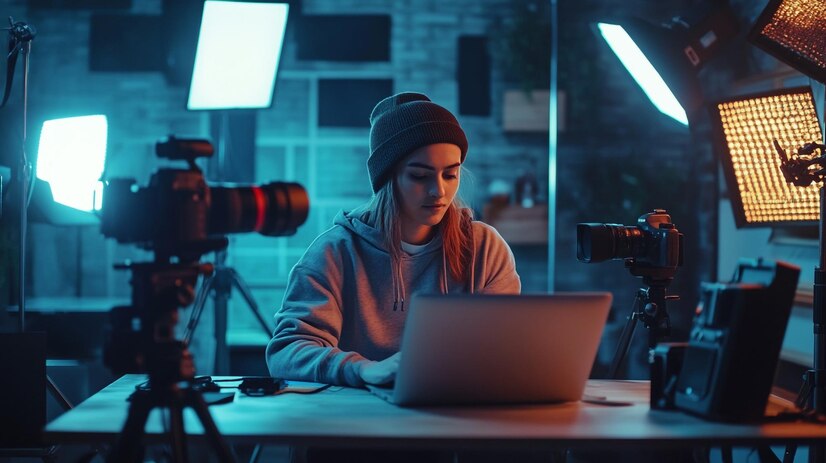
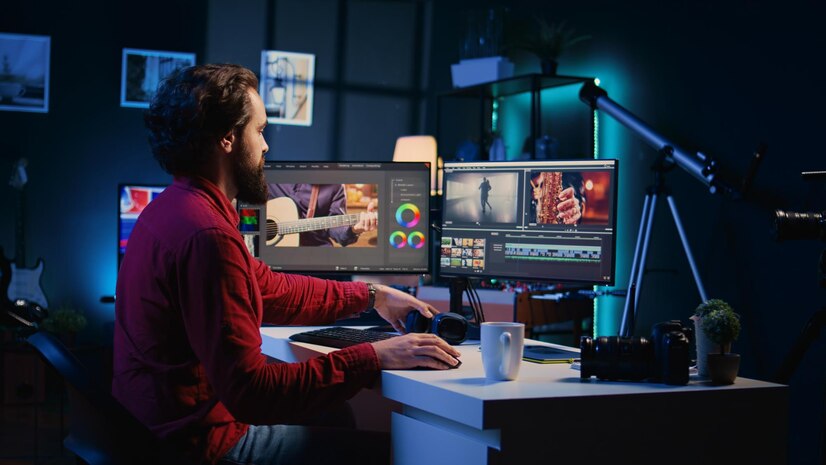
1️⃣ Premiere Pro: All Types of Video Editing
Master the art of video editing for all formats—short films, YouTube, social media, and more! Learn professional-level editing techniques that make your videos stand out.

2️⃣ After Effects: Motion Graphics & VFX
Dive deep into motion graphics and visual effects! From creating stunning title sequences to cinematic visual effects, you’ll learn how to captivate your audience with dynamic animations.

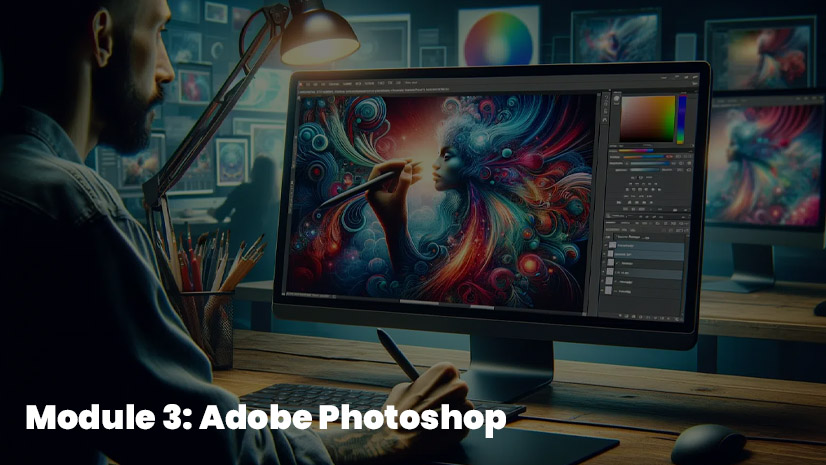
3️⃣ Photoshop: Photo Editing, Poster, Banner
Unlock the full potential of Photoshop! Edit photos like a pro, and design eye-catching posters, banners, and other visual assets that make a lasting impression.

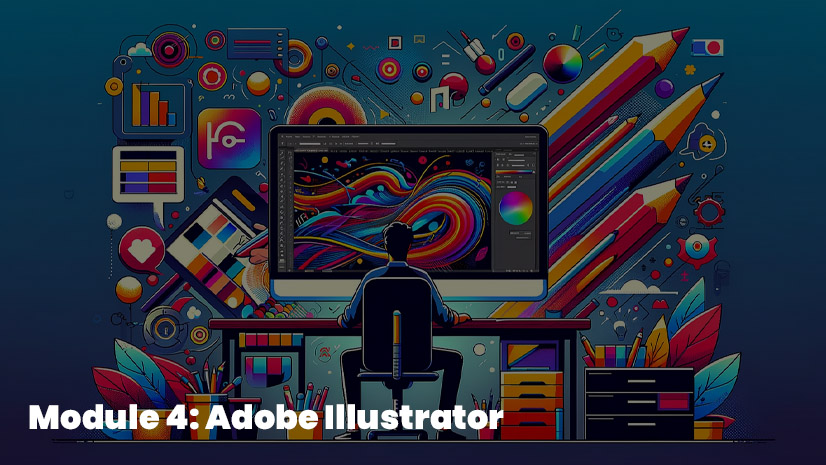
4️⃣ Illustrator: Vector Design, Logo, Art
Create professional logos, illustrations, and vector art with precision. Master Illustrator to develop your unique design style.

5️⃣ In-Design: Page & Magazine Design
Design sleek, professional magazines, brochures, and digital layouts. Learn to structure and format content for both print and digital publishing.

6️⃣ Gen AI: Trending Generative AI Tools
Explore the future of creativity with Generative AI tools. Learn how AI can assist in designing, editing, and boosting your productivity like never before.

Limited Time Offer

Master Class Feature's

₹25,000 Worth Bonus

180+ Hour Live Content
100+ Modules

100% Project Base
Structural Syllabus

Assets For Practice

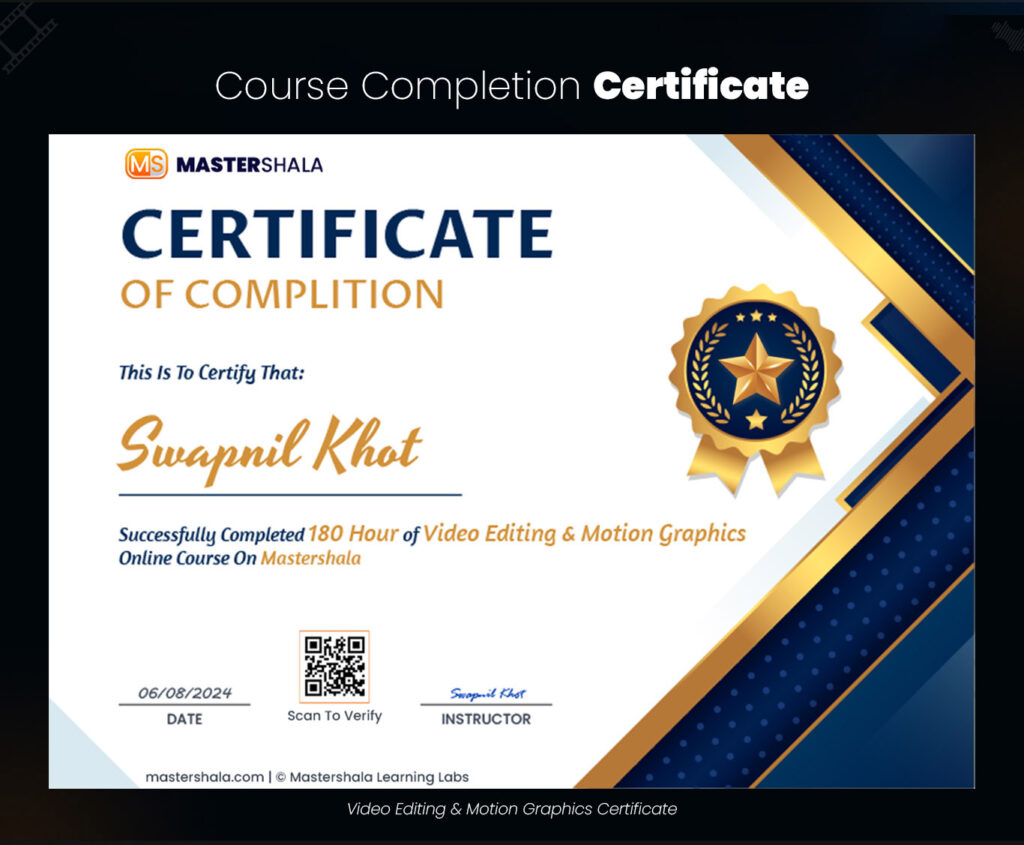
Completion Certificates

Affordable Fees
Interview Preparation
Portfolio Making

WhatsApp Chat Support

Get Job Ready
Check Out Our Highlights

Why Choose This Master Class?

Industry-Expert Instructors

Learn from seasoned professionals with over 10 years of experience.

All-In-One Course

Everything you need to become a creative powerhouse—from video editing to website development.

Certificates & Portfolio

Graduate with a professional portfolio and a certificate that showcases your skills to the world.

Hands-On Training

This isn't just theory! Every lesson is designed to give you real-world, practical experience, so you're ready to work on live projects from day one.

Interview Preparation

Get ready for your dream job with dedicated sessions on portfolio building, mock interviews, and expert tips to ace the interview process.

Lifetime Access

Keep your resources, templates, and lessons forever!

Who is This Course For?

Video Editors

Content Creators

Skill Upscalers
Limited Time Offer Ending Soon

Master Class Overview

  • Basic Information
  • System Requirements (Windows/Mac)
  • Install & Activate
  • Exercise Files & Useful Resources
  • Creating a New Project
  • Workspace Layout & Customization
  • Editing Workspace Overview
  • Importing & Organizing Media Files
  • Ingest Settings & Sequences
  • Timeline, Source Monitor, and Program Monitor
  • Selection Tool, Ripple Edit Tool, Rate Stretch Tool
  • Razor Tool, Slip Tool, Pen Tool, Hand & Zoom Tool
  • Type Tool for Titles
  • Effect Controls: Opacity, Blending Mode, Masking
  • Motion Tracking, Transitions, Stabilization
  • Chroma Key (Green Screen), Crop Effect
  • Time Remapping & Speed Ramps
  • Adjustment Layers for Color Correction
  • Basic Audio Editing, Volume Control
  • Syncing Audio, Keyframing, Audio Effects
  • Ducking and Mixing Techniques
  • Multicam Editing
  • Title & Essential Graphics
  • Keyframe Animation
  • Rendering with Media Encoder
  • Export Settings for YouTube, Social Media, and VOD
  • Creating a New Project
  • Interface, Workspace, and Panels Overview
  • Creating & Importing Compositions
  • Working with Photoshop & Illustrator Files
  • Layers, Timeline, and Layer Properties
  • Shape and Anchor Points
  • Keyframe Animation, Easing, and Graph Editor
  • Motion Paths & Interpolation
  • Project: Basic Text Animation, YouTube Subscribe Button
  • Shape Tool, Pen Tool, Path Animation
  • Merge Path, Trim Path, Repeater, Morphing
  • Wiggle, Twist, Zigzag Effects
  • Project: Wedding Photo Album, Bad TV Effects
  • Parent & Link, Null Object, Time Remapping
  • Blending Mode & Layer Styles
  • Template Design & Reverse Animation
  • Mask Basics, Mask Animation, Effects with Masks
  • Rotoscoping with Roto Brush, Track Matte
  • Character Panel, Text Paths, and Source Text Animation
  • Text to Shape & Mask
  • Motion Tracking & Expression
  • 3D Animation Basics
  • Puppet Tool & Character Animation
  • Project: Character Rigging & Walk Cycles
  • Rendering in After Effects and Media Encoder
  • Transparent Video Renders
  • Saving Project for Lower Versions
  • Interface Overview, Layer Concepts
  • Cropping, Selections, and Transformation Tools
  • Brush Tool, Eraser Tool, Spot Healing, and Clone Stamp
  • Light & Color Adjustments
  • Shape Tool, Text Tool, and Layer Styles
  • Creating Posters, Banners, and Flyers
  • Working with Camera RAW
  • Filters and Effects
  • Actions & Automation Techniques
  • Masking and Compositing
  • Designing Social Media Graphics
  • Creating Professional Photo Montages
  • Understanding Vector Design
  • Basic Shapes, Custom Shapes, and Strokes
  • Shape Builder Tool, Mesh Tool, and Pen Tool
  • Blending, Gradient Techniques, and Perspective Drawing
  • Project: Create a Logo, Mascot Design
  • Text Design & Manipulation
  • Working with Color Palettes, Patterns, and Gradients
  • 3D Design Tools
  • Preparing Designs for Animation in After Effects
  • Interface Overview, Document Setup
  • Creating Shapes, Working with Images
  • Publishing Workflow: Print & Digital
  • Creating Multi-Page Documents
  • Project: Magazine Layout Design
  • Interactive PDFs and Digital Brochures
  • Overview of Trending AI Tools
  • Using AI for Image & Video Generation
  • Integrating AI Tools with After Effects & Premiere Pro
  • Project: Designing AI-Enhanced Artworks and Animations

Practical Projects Throughout the Course:

  • Premiere Pro: Edit a short film, YouTube video, and social media content.
  • After Effects: Create motion graphics intros, VFX shots, and character animations.
  • Photoshop: Design a social media campaign, retouch images, and create digital posters.
  • Illustrator: Design a brand logo, vector illustrations, and mascots.
  • InDesign: Create a professional magazine layout.
  • WordPress: Launch a personal portfolio website or blog.
  • AI Tools: Create AI-generated artwork or animated content.

₹25,000 Worth Bonus Pack

Bonus Pack includes: 10,000+ easily customizable templates, elements, icons, fonts, and more.

Video/Graphics Template

300+ Premium Easily Customisable Template

Premium LUTs

1000+ Ready To Use Premium Luts

Call To Action Template

100+ Premium Call To Action

Wedding Invitation

20+ Premium Wedding Invitation Card And Post

Photoshop Overlays

1000+ Premium Decorative Overlays

Motion Graphics Assets

1000+ Premium Assets

Hands-On Training

Interview Preparation

3 Months Live Class

Bonus Assets
Master professional video editing and motion graphics to transform your content creation skills. Learn industry-standard techniques, tools, and workflows to produce stunning visuals, elevate storytelling, and become a successful content creator.

Meet Your Instructor

Mr.Swapnil Khot

Hi, I’am Swapnil Khot, CEO & Lead Instructor at MasterShala.

Throughout my career, I’ve had the opportunity to work on high-end projects across a wide range of platforms. With more than 1250 successfully delivered projects and 685+ satisfied clients globally, my journey has been all about blending creativity with precision.

I thrive on pushing the boundaries of design and visual effects, always aiming to bring the best to each project I undertake.

Now, I’m here to share the same video editing and motion graphics secrets in the course

Everything About My Experience

12+ YEARS

Of Experience

1250+ PROJECTS

Completes Till September 2024

685+ CLIENTS

In India and Worldwide

Limited Time Offer

Offer ends on 27th Octomber 2024
Email: support@mastershala.com
( Course Related Inquiry And Support ) – Message Only
Support: +91 98347 28509


Contact Us | Privacy Policy | Terms of Use | Cancellation and Refund Policy
Copyright 2024 © All rights Reserved MasterShala Learning Labs